Infernal Throne
Dark, demonic theme with embers, smoke and lightning
SALE$150$99
Lowest price in the last 30 days: $150. The sale ends on 1 March 2027.
Blush Bunny is a complete, animated stream overlay package for OBS Studio in a cozy pastel style, starring a bunny. It includes four animated scenes, a gameplay overlay with five webcam frames and two Twitch chat frames, alerts, three stinger transitions, an audio visualizer and a dashboard where you set everything up. Floating hearts and bubbles, twinkling lights and swaying curtains are rendered live with WebGL.
One-time purchase, VAT included.
Four animated full-screen scenes: Starting Soon (the bunny at its desk), Be Right Back (a tea break, with steam and hearts rising from the cup), Stream Ending (the bunny falls asleep while the room dims) and Offline (the twilight reading nook). Offline banners as PNG images are included too.
A restrained layer that keeps your game's interface clear. Small corner bows, a nameplate and a few hearts along the screen edges are on by default. Five webcam frames (16:9, 4:3, wide, peace sign and round), two frames that show your Twitch chat live with emotes from Twitch, 7TV, BetterTTV and FrankerFaceZ, an event ticker, the audio visualizer, a music player and a goal bar can be switched on. You place everything in the dashboard's layout editor, over a screenshot of your own game.
Follower, subscriber, gifted sub, donation, raid, bits and custom alerts, each in five steps, with a queue and per-type text, bunny, timing, sound and intensity. Events come from StreamElements, Streamlabs or any tool that can send an HTTP request.
Heart Bow, Bubble Pop and Cloud Hop: WebM videos with transparency at 1080p, 1440p and 4K, 60 fps, with measured transition points for OBS.
The audio visualizer lives in the music player: bars on the plate and the bunny bopping in the window, driven by real audio through the included audio bridge. On Windows it captures what you hear with nothing to install. The player shows the song from Apple Music, or YouTube in a browser, with its cover, title, artist and progress.
The dashboard opens in your browser with live previews of every setting, test alerts, JSON export and import, and an OBS scene collection you import in one step. Strawberry-milk goal bars with four slots, decorations (bunnies, bows, hearts, stars, clouds and bubbles) you can place anywhere and Twitch channel panels with your own titles are included too.
Blush Bunny uses the same server as Infernal Throne and has been tested on Linux. The StreamElements and Streamlabs connections have been tested against simulated services, not with live accounts.
For use on your own channels, not for resale.
One-time purchase, VAT included.
By paying you accept the terms of purchase.
You get the download link by email right after payment. The package is about 270 MB.
Install Node.js 18 or newer and start the overlay server with the launcher for your system (Windows, macOS or Linux). The dashboard opens in your browser, where you set your name, layout and alerts. Then download the OBS scene collection from the dashboard and import it in OBS under Scene Collection → Import. You get the scenes, the alert layer and the stinger transitions ready to use, and add your own game capture and camera.
Yes. Paste your StreamElements JWT or Streamlabs socket token into the dashboard and the alerts react to live events. If you would rather keep alerts in your StreamElements or Streamlabs overlay, the package includes cloud widgets to paste into their custom widget editor. Any tool that can send an HTTP request can trigger alerts too.
The package has launchers for Windows, macOS and Linux and needs OBS Studio 27 or newer and Node.js 18 or newer. On Linux and macOS the audio visualizer also needs ffmpeg; on Windows it captures audio with nothing to install. Blush Bunny uses the same server as Infernal Throne and has been tested on Linux. The StreamElements and Streamlabs connections have been tested against simulated services, not with live accounts.
Yes, the scenes, alerts and transitions are OBS sources and work whichever platform you stream to. The chat frames read Twitch chat only. For YouTube or Kick chat, put that platform's chat source under the frame.
You get a download link by email right after payment. The package is a zip file of about 270 MB. The link works for 7 days, so save the file once you have downloaded it.
You may use the package on your own channels and change its settings and files for that use. You may not resell or redistribute the package or any part of it. The full terms are in the LICENSE file in the package.
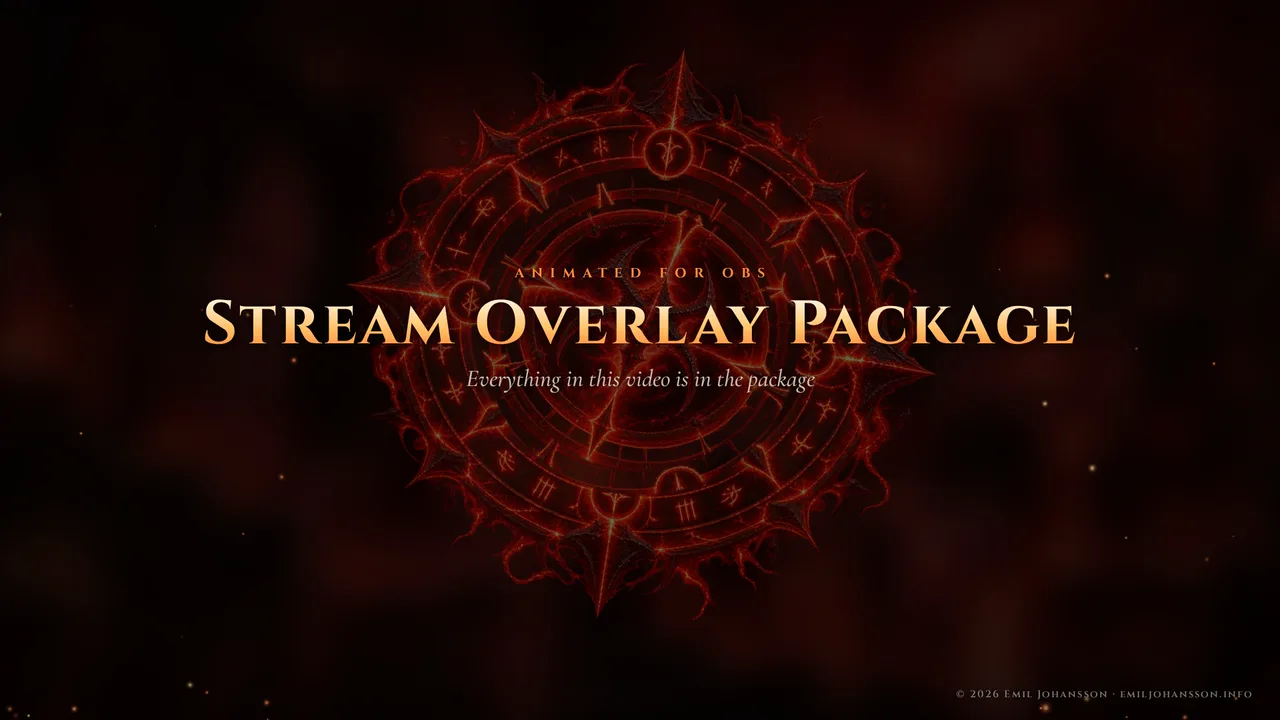
Dark, demonic theme with embers, smoke and lightning
Lowest price in the last 30 days: $150. The sale ends on 1 March 2027.
I build overlay packages tailored to your channel: your theme, your name, your alerts.
Get in touch